 Prokoll
 English
 Svenska
 Norsk
Norsk Dansk
Dansk Suomi
Suomi Deutsch
 Français
 Nederlands
 Español
Download Prokoll
Prokoll is a Mac app and does not work on iPhone, iPad, Android or Windows.
A Mac with Apple silicon (M1 or later), 16 GB of memory, macOS 15 or later and 10 GB of free space.
-
1
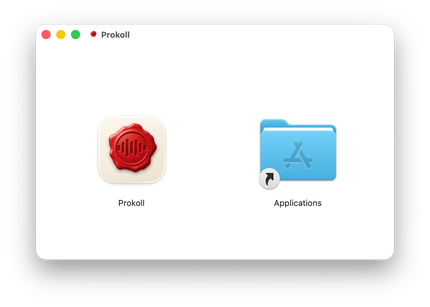
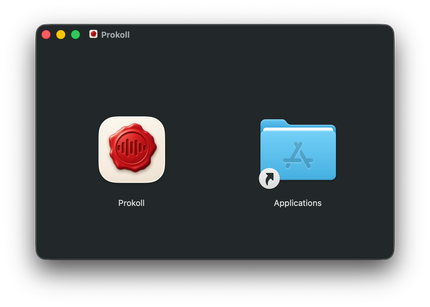
Install
Open the file you downloaded and drag Prokoll onto the Applications folder.
-
2
Activate
Open Prokoll and enter your licence. The button in your purchase email does it in one click.
-
3
Choose your languages
Prokoll downloads what it needs to work on your Mac, just once. After that, it works without the internet.
